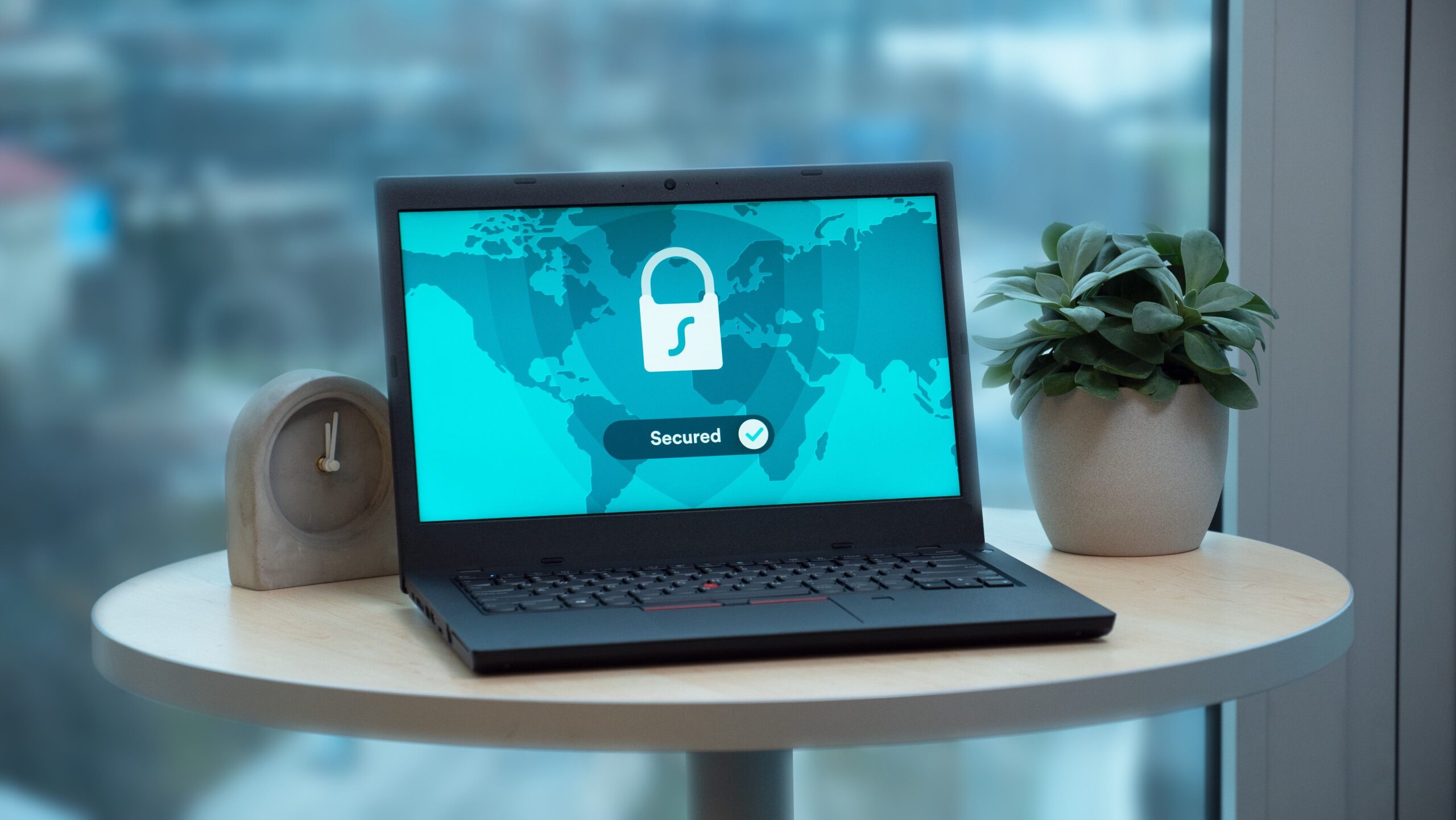
One click on the app, a server selected, and a few seconds later, you’re connected. From the outside, almost nothing seems to have changed: you open your browser and continue browsing as usual. But behind that simple button, the route your data takes has just changed.
Your device has contacted a remote server, verified the connection, created a protected channel, and started sending data along a new route. All in just a few moments. But how exactly does it work?
It All Starts with the Server
VPN stands for Virtual Private Network. When you choose a location in the app — Milan, London, or New York, for example — you’re actually choosing a VPN server to connect to.
Your device contacts that server over the internet and uses a set of rules, known as a protocol, to determine how the communication should take place. WireGuard, OpenVPN, and IPsec are some of the most widely used VPN protocols.
At this point, what is commonly known as a VPN tunnel starts to form. Of course, it isn’t a physical tunnel. You can think of it as a protected channel through which data travels between your device and the VPN server.
Explore NordVPN plans and discover the current offer →

Before Connecting, Both Sides Need to Know Who They’re Talking To
Before exchanging data, the device and server need to make sure the connection is legitimate. This is the authentication stage.
Verification can involve passwords, digital certificates, or cryptographic keys, depending on the service and technology being used.
Authentication and encryption, however, are not the same thing. Authentication determines who is allowed to establish the connection; encryption makes the content of the data unreadable to anyone who isn’t authorized to access it.
How Is the Data Protected?
Encrypting and decrypting information requires cryptographic keys. In simple terms, you can think of them as the mathematical tools needed to protect a message and make it readable again by the authorized party.
This raises an obvious question: how can the device and server establish these keys without simply sending a secret across the internet?
That’s where key exchange comes in. Modern protocols allow both sides to securely establish the information needed for encryption. IPsec, for example, commonly uses a system called Internet Key Exchange (IKE).
Once this step is complete, protected communication can begin.
Data Travels in Packets
When you browse online, information doesn’t travel as one large block. It is divided into smaller units called packets, which move across networks until they reach their destination.
With a VPN, these packets receive an additional layer of protection. Their content is encrypted and placed inside a new packet addressed to the VPN server. This process is known as encapsulation.
In very simple terms:
Data → Encryption → VPN tunnel → Internet
Someone observing the connection from the outside cannot directly read the protected content, although they may still be able to tell that the device is communicating with a VPN server.
Your Data Takes a Different Route
Without a VPN, we can simplify the journey of your data like this:
Device → Internet provider → Website
Once the VPN is active, a new intermediary enters the picture:
Device → VPN tunnel → VPN server → Website
The VPN server receives the protected traffic and forwards it to the website you want to reach. As a result, the website will generally see the VPN server’s IP address rather than the public IP address of your original connection. The response then makes the reverse journey back to your device.
When Does All of This Become Useful?
Think about a familiar situation: connecting to Wi-Fi at an airport, hotel, or café. You’re using a network you don’t personally control. By activating a VPN, you create a protected connection between your device and the VPN server, adding another layer of security alongside technologies such as HTTPS.
In a business environment, the same mechanism can serve a different purpose. Someone working remotely may need to use applications, servers, or databases that are only available within the company’s internal network. A corporate VPN can create a protected connection to that network, allowing employees to access authorized resources without exposing them directly to the public internet.
Then there’s privacy. Because your traffic passes through the VPN server, websites will generally see its IP address rather than your original one. But this doesn’t make you anonymous. If you log into an account, accept cookies, or can be recognized through other tracking technologies, a website may still be able to identify you.
Much More Than a “Connect” Button
A VPN is therefore more complex than a tool that simply “hides your IP” or “encrypts the internet.”
Behind that single click, authentication, encryption, key exchange, data packets, and network tunneling all work together. These are fairly complex technologies that a VPN interface makes almost invisible to the user.
Understanding their limitations is just as important. A VPN can protect traffic between your device and the VPN server, change the route your connection takes, and provide secure access to private networks. On its own, however, it cannot protect you from a phishing email, remove malware, or make you completely anonymous.
The simplicity of a VPN interface hides a complex infrastructure. Understanding what happens behind it is the first step toward knowing when — and why — a VPN is actually useful.
Explore NordVPN plans and discover the current offer →
Affiliate Disclosure: This article may contain affiliate links. If you make a purchase through one of these links, we may earn a commission at no additional cost to you. This does not affect our editorial independence or the information presented in this article.